Somewhere in your home right now, there is a drawer. You know the one. Inside it, there are devices - an old Android, the laptop you replaced last year, maybe a tablet.
You have not thrown them away because they still work. You have not donated them because you worry about your data, or are not sure if they are good enough. By the time you finish reading, you will know exactly how to wipe your device safely and get it to a student in your city who needs it.
The Education Emergency
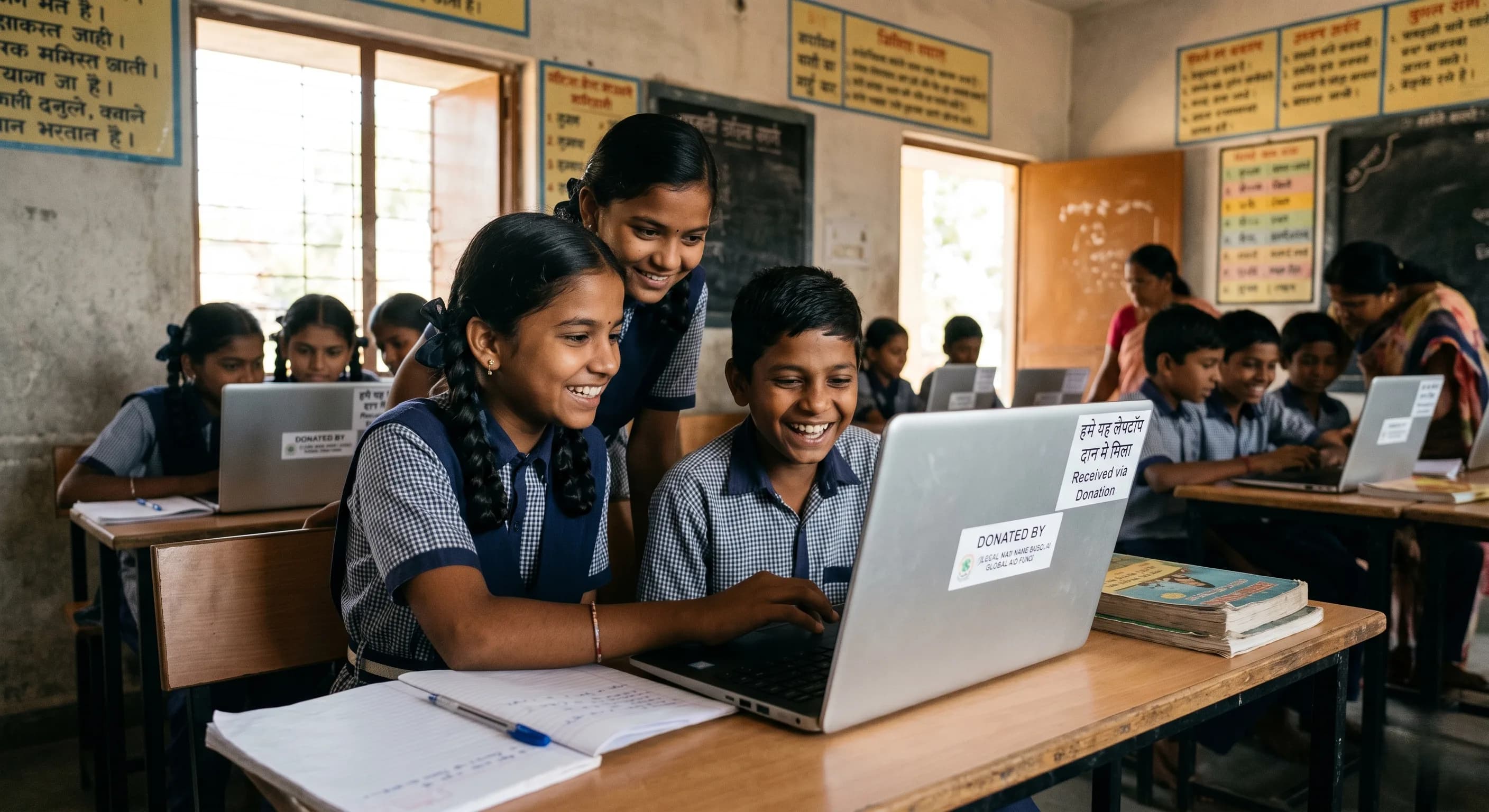
According to UNICEF India, an estimated 250 million children in India lack access to a digital device for learning. In a country where digital education has become the default, this is not a gap. It is a wall. The device you retired last year is not old. For a student who has never had one, it is the most advanced piece of technology they have ever been given.
How to Safely Wipe Your Smartphone Before Donating
- Back Up Everything: Save photos to Google Photos, contacts to Google Contacts, and chats to Google Drive.
- Remove All Accounts and SIM: Remove your Google Account from settings. This is critical to prevent Factory Reset Protection (FRP) from locking the phone. Remove your SIM and SD cards.
- Encrypt Your Device: Adds an extra layer of security so any surviving data fragments become unreadable.
- Perform the Factory Reset: Go to Settings > General Management > Reset > Factory Data Reset.
How to Safely Wipe Your Laptop Before Donating
For Windows Laptops
Back up your files, sign out of your Microsoft Account and OneDrive, and perform a full reset (Settings > System > Recovery > Reset this PC) making sure to select "Clean the drive". This prevents data recovery.
For MacBooks
Back up with Time Machine, sign out of Apple ID completely (this signs out iCloud and iMessage), disable "Find My Mac", and then Erase and Reinstall macOS through Disk Utility in Recovery Mode.
What Condition Should a Device Be In?
Good to Donate: Powers on, screen is intact (minor scratches are okay), battery holds a charge for 3-4 hours, connects to Wi-Fi, and has a functional camera and microphone for online classes.
Donate Only After Repair: Cracked screens that affect visibility, rapidly draining batteries, or a missing charger (buy a replacement first).
The Drawer Can Wait No Longer
There are 250 million students in India without a device. There are millions of functional phones and laptops in urban Indian drawers. The distance between those two facts is a factory reset and a ten-minute drive. Open the drawer today.